
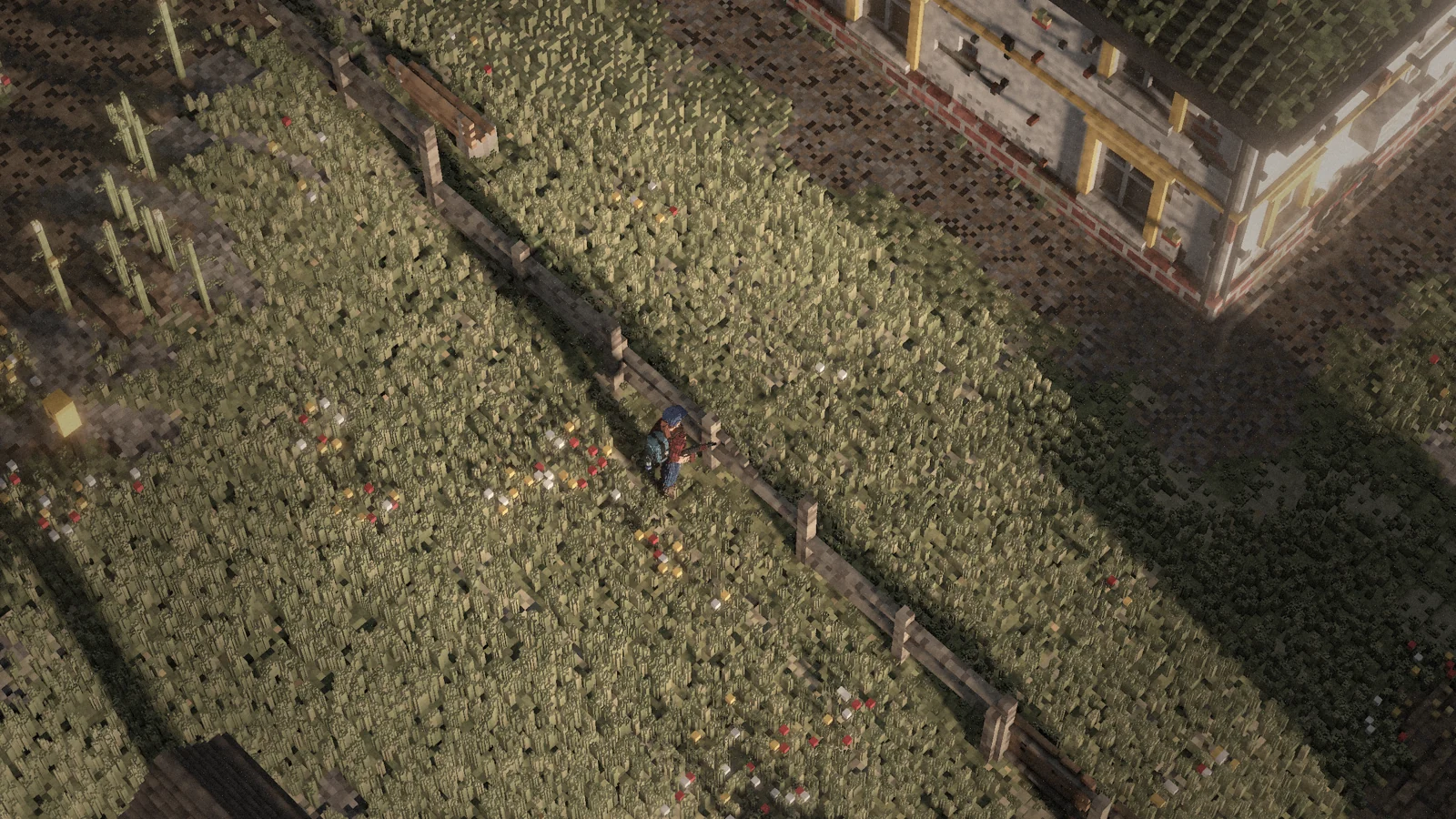
Default controls
These are the default bindings. You can change almost every key in the settings.
Movement
| Action | Keyboard & mouse | Controller |
|---|---|---|
| Move forward | W | LS up |
| Move back | S | LS down |
| Move left | A | LS left |
| Move right | D | LS right |
| Sprint | Shift | LS click |
| Walk (quiet) | V | — |
| Crouch | C | B |
| Go prone / stand up | Z | — |
| Roll / climb | Space | RB |
| Roll left (prone, weapon raised) | Q | — |
| Roll right (prone, weapon raised) | E | — |
Weapons
| Action | Keyboard & mouse | Controller |
|---|---|---|
| Shoot / strike / draw | LMB | RT |
| Raise weapon (tap: sights) | RMB | LT |
| Hold breath (in sights) / crouch | Ctrl | — |
| Reload | R | X |
| Primary weapon | 1 | — |
| Secondary weapon | 2 | — |
| Holster (pistol) | 3 | — |
| Melee weapon | 4 | — |
| Next weapon | — | Y |
| Throw grenade | G | LB |
Equipment
| Action | Keyboard & mouse | Controller |
|---|---|---|
| Flashlight (gun in hands: butt strike) | F | RS click |
| Weapon light | L | — |
| Laser | N | — |
| Gas lantern | U | — |
| Bandage (quickslot) | H | D-pad left |
| Eat (quickslot) | J | — |
| Drink (quickslot) | K | — |
Interaction
| Action | Keyboard & mouse | Controller |
|---|---|---|
| Perform action | E | A |
| Build menu | B | — |
| Inventory | TAB / I | VIEW |
| Map | M | D-pad right |
| Surrender (hands up) | F5 | — |
Vehicle (driver)
| Action | Keyboard & mouse | Controller |
|---|---|---|
| Handbrake | Space | RB |
| Start / stop engine | R | X |
| Headlights | L | Y |
| Interior light | K | — |
| Horn | H | LS click |
Camera
| Action | Keyboard & mouse | Controller |
|---|---|---|
| Rotate camera (hold) | MMB | — |
| Zoom in / previous action | Wheel up | D-pad up |
| Zoom out / next action | Wheel down | D-pad down |
Communication
| Action | Keyboard & mouse | Controller |
|---|---|---|
| Chat | Enter / T | — |
| Accept group invite | Y | — |
| Decline group invite | X | — |
| Talk (hold, double-tap = open mic) | Caps Lock | — |
| Mute microphone | P | — |
| Voice level: whisper / normal / shout | ↑ | — |
System
| Action | Keyboard & mouse | Controller |
|---|---|---|
| Hide tip | Backspace | — |
| Screenshot | F12 | — |
| Cycle graphics quality | F10 | — |
| Menu (log out, feedback) | ESC | MENU |
Context actions
Use the mouse wheel to pick one of the available actions, then press E. Vehicles, water sources, other players and containers each offer their own actions.
Aiming and the camera
Hold the right mouse button to raise your weapon; tap it for the sights. Hold Ctrl while aiming to hold your breath and steady your aim – this costs stamina. Hold the middle mouse button to turn the camera.