
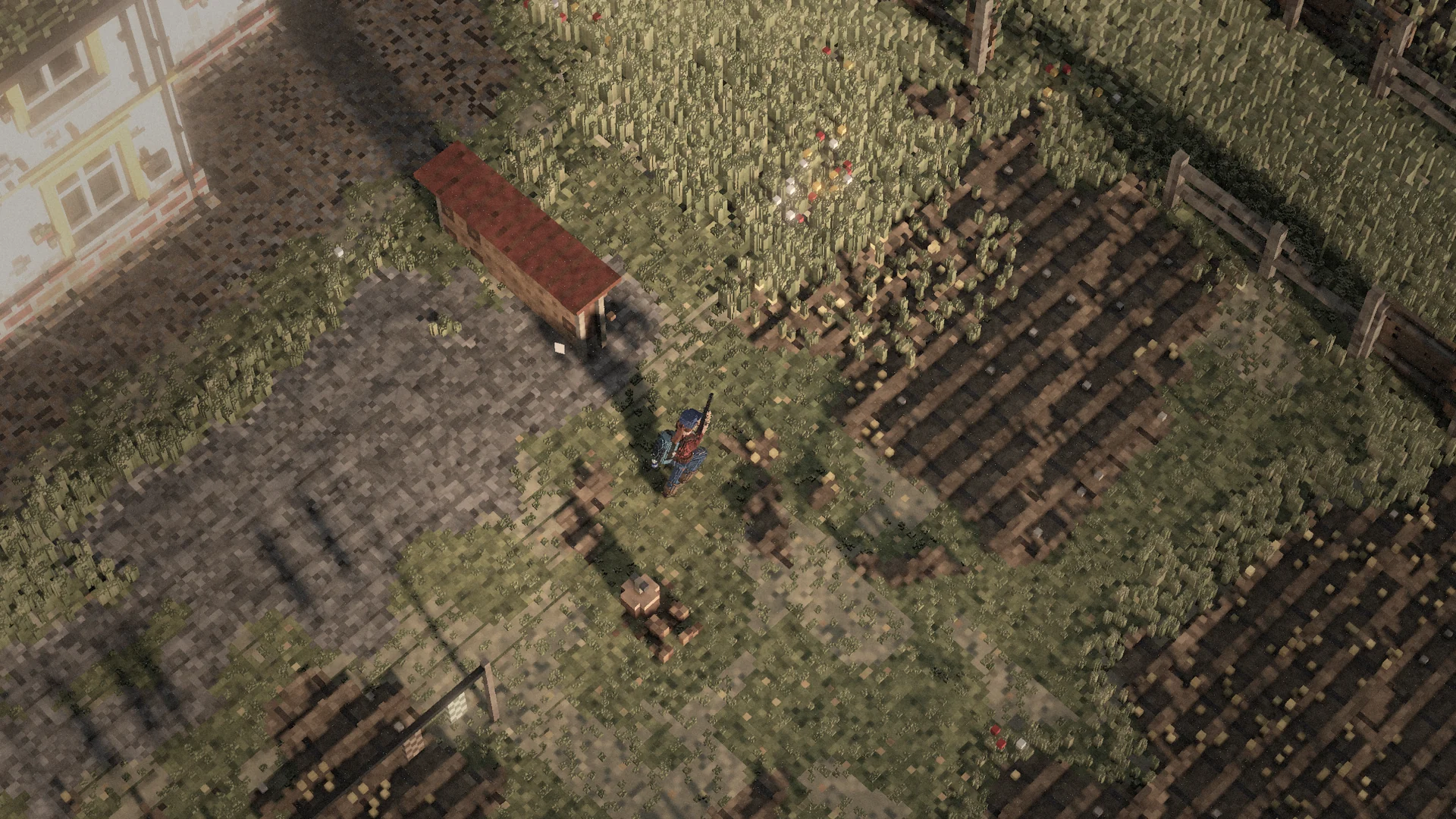
The world atlas
The world atlas shows the mainland with every named town, village, military site and landmark.
Switch between the satellite view – the world photographed straight down in the game – and the topographic map with roads, railways, buildings, forests and water.
Search for a town, filter by type or tap the map to drop a pin. You can show loot levels, points of interest and the grid, measure distances and set your own markers. A copied link shows the same spot.
Places worth a detour
| Place | Grid | What you find |
|---|---|---|
| Lom Kamenec | 006 027 | An open-pit quarry with terraced walls, ramps down to the floor, excavators, dump trucks, a mobile crusher and a pond at the bottom. |
| Bažiny u ústí Vorny | 023 036 | A swamp at the mouth of the Vorna: boardwalks and plank paths across the water, huts and dead trees. |
| Objekt 31 | 027 011 | A military bunker in the hills. Behind the blast door, ramps lead down to two underground levels with halls, corridors and military loot. |
| Lunapark Korabelsk | 032 036 | An abandoned funfair east of Korabelsk: Ferris wheel, carousel, bumper cars and booths, rusty and overgrown. |
Markers on your map
Open the map with M and click to set a marker in the colour and symbol you choose; right-click a marker to remove it. Markers appear in the compass band with their distance and as a small sign in the world. You can set up to twelve. In a group you see your group’s markers with the owner’s name, and the group leader can clear them all – players outside your group never see them.
Reading coordinates
The grid counts 100-metre squares from the top-left corner: the first three digits go east, the last three south. 029 034 is 2.9 km east and 3.4 km south – Korabelsk. North is always up; the ruler shows distance and compass bearing.
Changed cover changes a route
The world can be damaged and destroyed: hits tear holes in walls and remove cover, and falling debris can hurt you. On a server, the world remembers – buildings can be damaged, doors open and containers already searched.
Keep reading
Getting a vehicle running
A car is a set of parts, fluids and condition checks – not just a fuel tank.
Driving, passengers & vehicle fire
Keep the vehicle under control and know when it is time to get out.
Loot, containers & rarity
Where an item turns up depends on the area, the building and the container.